Free, in your browser, no sign-up

Letter banner printable: the ready-made alphabet or your own words

Need HAPPY BIRTHDAY, a name or a sign in giant letters? Get a free letter banner printable: download the ready-made alphabet PDF, or type your words in the generator.

The alphabet PDFs are on this page, right below. For other words, use the generator.

Make my letters

Letter banner printable: giant alphabet letters (PDF)

Click to download. Each PDF has one letter per sheet of Letter paper (8.5 x 11 in) and an assembly guide. HAPPY BIRTHDAY comes as a ready PDF below. For other words, print the sheet of a repeated letter again.
Make your giant letters in 3 steps

01

Type your words

Click 'Make my letters'. The generator opens with HAPPY BIRTHDAY already selected in the 'Your text' field. Type the name or the words you want, and your text replaces the selected text. On a phone, the text is not selected: tap the field, delete the text and type yours.
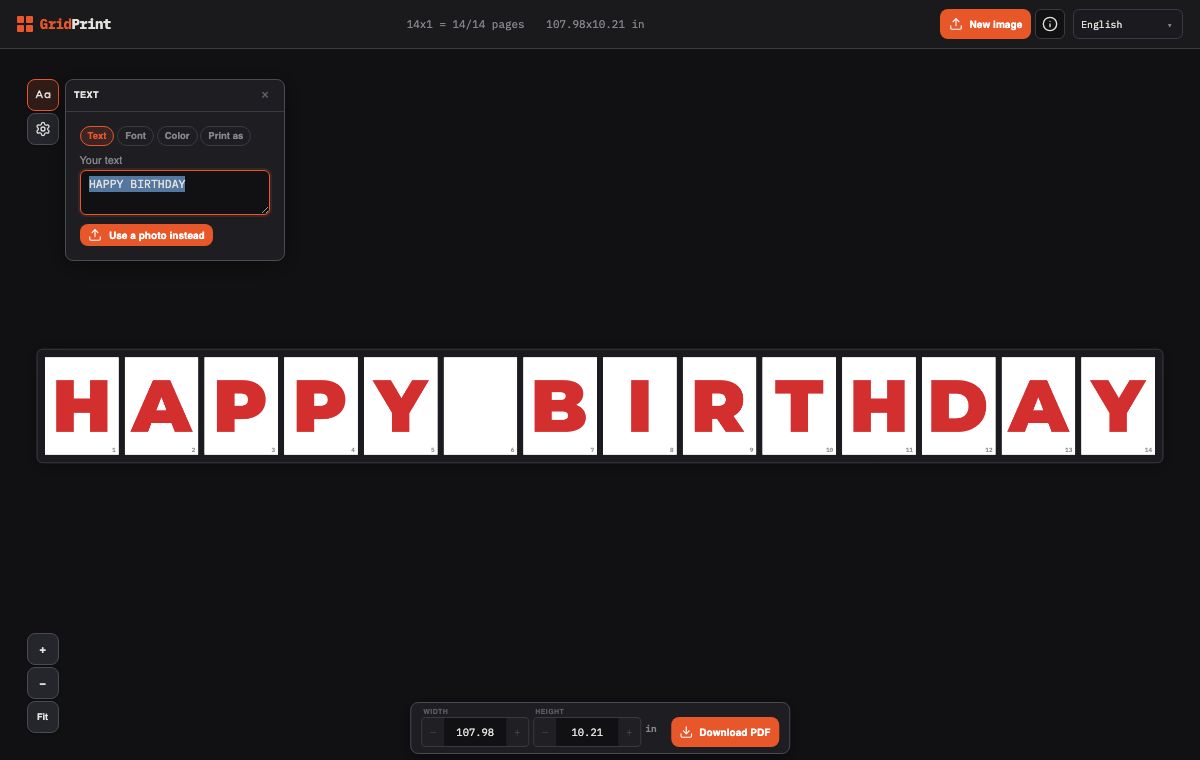
The 'Text' window of the generator with HAPPY BIRTHDAY selected in the 'Your text' field. The preview shows 14 sheets: 13 red letters and a blank sheet between the words.
02

Choose how to print

Open the 'Print as' tab and choose 'One letter per sheet', 'Across sheets' or 'Pennants'. In 'Pennants', each letter goes on its own flag with a cut line. On a computer, the top bar shows how many sheets you need. On a phone, each sheet in the preview has a number. If you like, open the 'Font' and 'Color' tabs to change the font and the color.
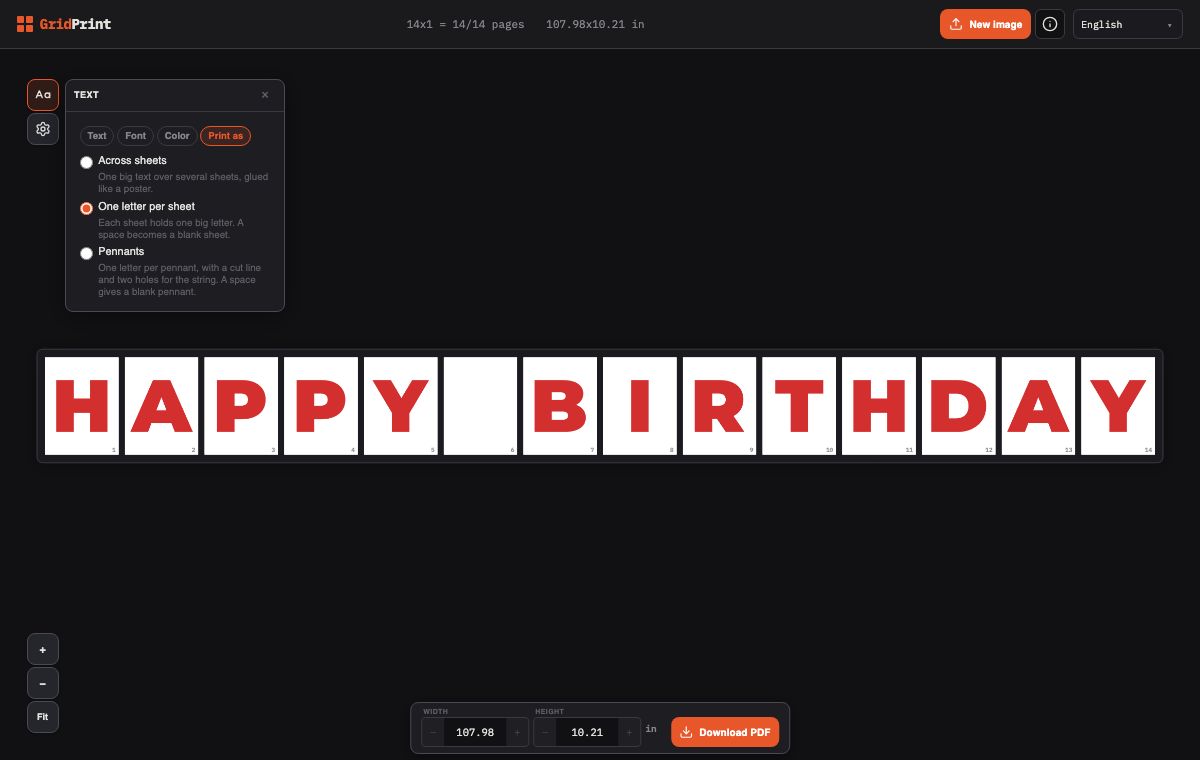
The 'Print as' tab with 'One letter per sheet' selected: HAPPY BIRTHDAY on 14 sheets, with red letters and a blank sheet between the words.
03

Download the PDF and print at 100%

Click 'Download PDF'. On Android, the PDF downloads at the first tap. On an iPhone, the share menu opens. If the button changes to 'Save PDF', tap it again. In the print dialog, choose 100% or 'Actual size'. This way, the printer does not shrink or enlarge the letters.
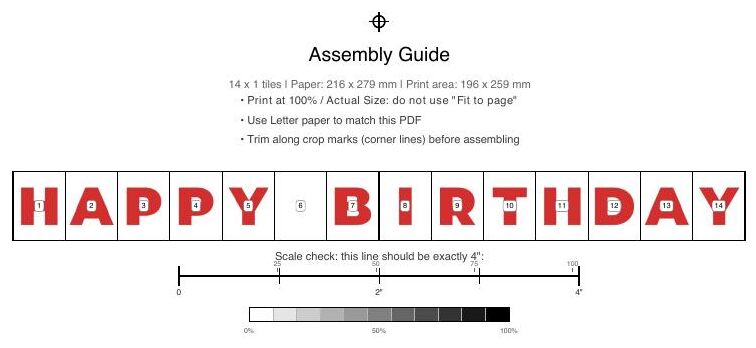
Assembly guide of the 14-sheet PDF, with HAPPY BIRTHDAY on numbered sheets and a blank sheet between the words, the rule 'Print at 100% / Actual Size' and the 4 inch scale check line.

What you can choose in the generator

One letter per sheet

Each letter gets its own sheet of Letter paper. Each space becomes a blank sheet, which separates the words. HAPPY BIRTHDAY prints on 14 sheets.

Across sheets

Your text prints big, split across sheets that you glue together like a poster. Press Enter in the 'Your text' field to start a new line. The 'Letter height' field shows only in this option. At 8 inches, HAPPY BIRTHDAY uses 24 sheets of Letter paper.

Pennants

Each letter goes on a pennant, with a cut line and two marked holes for the string. Each space becomes a blank pennant. HAPPY BIRTHDAY also uses 14 sheets.

6 fonts and 8 colors

In the 'Font' tab, choose one of the 6 fonts. In the 'Color' tab, choose one of the 8 colors, or make your own with 'Custom color'.

Outline only

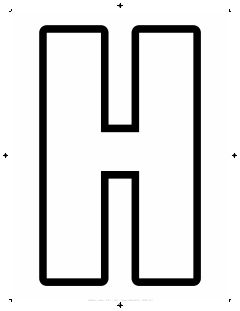
In the 'Color' tab, turn on 'Outline only' to print outline letters, with only the edge of each letter. The sheet uses less ink, and you can color the letters later.

Free, in your browser

GridPrint is free and works in the browser on a computer or a phone. You do not install anything, and you do not need an account.

Frequently asked questions

Where do I download the ready-made alphabet?

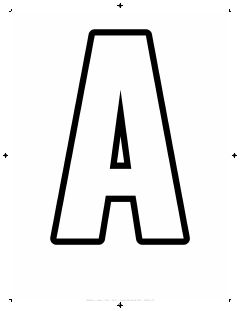
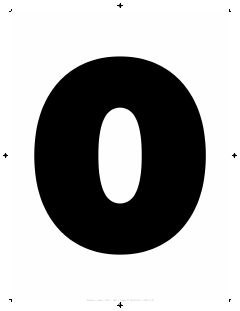
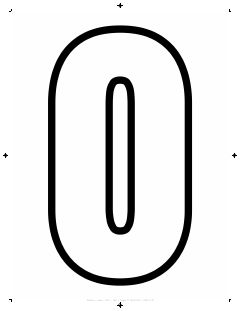
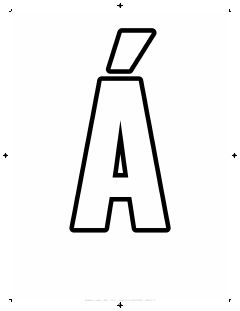
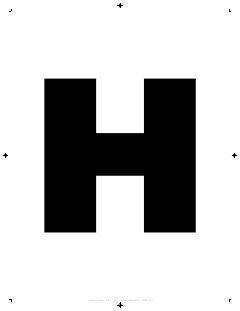
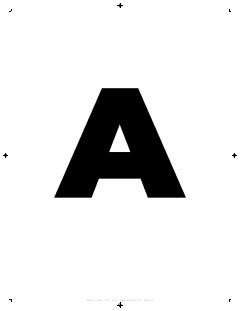
On this page, in the section 'Letter banner printable: giant alphabet letters (PDF)'. There are 6 PDFs on Letter paper: A to Z, numbers 0 to 9, and accented letters with ! and ?. Each set comes with filled letters or outline only.

How many sheets does a HAPPY BIRTHDAY banner need?

With 'One letter per sheet', it needs 14 sheets: 13 letters and one blank sheet for the space. The ready HAPPY BIRTHDAY PDF on this page has the same 14 sheets. With 'Across sheets', the count depends on the 'Letter height': 8 inches (the default) needs 24 sheets, 6 inches needs 12 sheets, and 4 inches needs 6 sheets. On a computer, the top bar shows a line such as '14x1 = 14/14 pages'. Here, 14 is the number of sheets to print. The app calls sheets 'pages' in this line. On a phone, each sheet in the preview has a number.

How do I print the letters at the right size?

The assembly guide says 'Print at 100% / Actual Size'. In the print dialog, keep the scale at 100%. In Adobe Acrobat, choose 'Actual size', not 'Fit'. The 'Fit' option can make the letters smaller. To check the size, print the assembly guide, the first page of the PDF. Then measure the 'Scale check' line with a ruler. The line must be exactly 4 inches long.

How do I download the PDF on a phone?

Tap 'Download PDF'. On Android, the PDF downloads at the first tap. On an iPhone, the share menu opens. If the button changes to 'Save PDF', tap it again. If your phone shows no 100% or 'Actual size' option, print from a computer.

What is the difference between filled letters and outline letters?

Filled letters print as solid shapes. Outline letters print only the edge, so they use less ink, and you can color them later. In the PDFs on this page, the filled letters use the Montserrat font, and the outline letters use Oswald. In the generator, 'Outline only' works with all 6 fonts.

Can I print accents and punctuation?

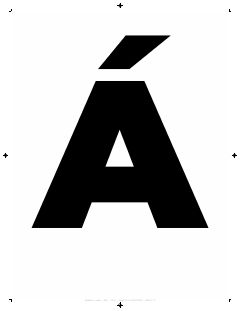
Yes. The accents PDF has Á, É, Í, Ó, Ú, Â, Ê, Ô, Ã, Õ, Ç, Ñ, Ü, ! and ?. Use it for names like JOSÉ or MARÍA, or for HAPPY BIRTHDAY with an exclamation mark. In the generator, type the word with its accent, and the letter prints with the accent.

How do I hang the letters?

Punch a hole in both top corners of each sheet. A 1/8 inch hole punch suits thin string, and a 1/4 inch punch suits thick ribbon or twine. Run the string through the holes, behind the sheets. The string then stays hidden and shows only between the sheets. Leave extra string at both ends to tie the banner. In 'Pennants', the two holes are already marked.

The text window disappeared. How do I open it again?

Click the 'Text' button, the Aa icon in the generator. The window closes when you click outside it, for example on the preview or the bottom bar.

Which paper should I use?

Plain Letter paper (8.5 x 11 in) works, and the PDFs on this page use it. For stiffer letters, check the maximum paper weight in your printer manual, and stay within that limit. In most countries outside the US, the generator starts with A4 paper. To change it, open 'Settings', the gear icon, and choose a 'Paper size'.

More ways to use GridPrint

Make my letters